Modern SEO & AI Search Blog

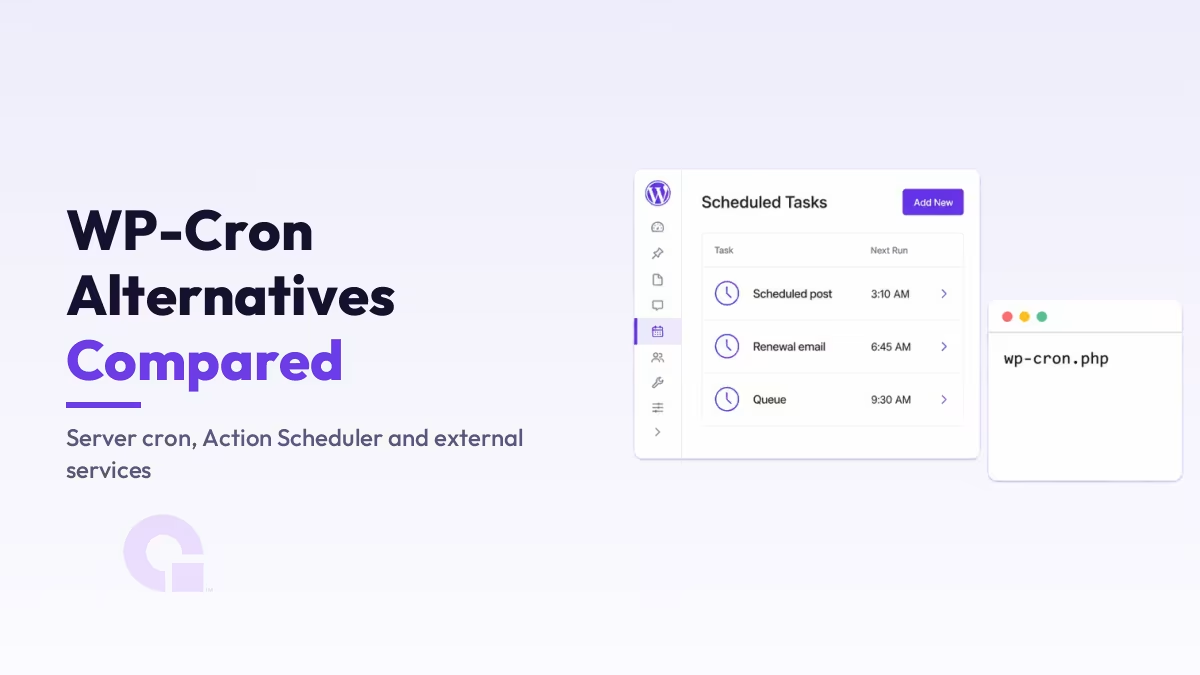
  • Fixing Missing WooCommerce Emails and Delayed Renewals: Set Up a Real Cron Job

    If your WooCommerce store has order emails going missing or subscription renewals showing up late, the cause is usually not your email plugin, it is WP-Cron. WordPress schedules those jobs with a fake scheduler that only fires when someone visits your site, so on a quiet or heavily cached store they stall. Here is what…

  • Can a WordPress Website Handle 1 Million+ Traffic?

    WordPress is one of the most popular website platforms in the world. Many people use it for blogs, business sites, and even big e-commerce stores. A common question that comes up is: Can a WordPress website really handle more than 1 million visitors? The short answer is yes, it can. But whether your site can…

  • How to Move ReCAPTCHA V3 Badge to Left in WordPress

    Google reCAPTCHA v3 is a powerful tool to protect your WordPress site from bots and spam without user interaction. However, its default badge often appears in the bottom right corner, which may conflict with UI elements or custom designs. The solution is to move ReCAPTCHA V3 Badge to Left side If you’d prefer to show…

  • |

    How to Setup WordPress Heatmaps (3 Simple Ways) Free + Premium

    If you’re struggling to understand what’s helping (or hurting) your website’s performance, WordPress heatmaps can reveal exactly how people interact with your pages — from the elements they click to how far they scroll. Over time, I’ve tested multiple heatmapping solutions. Today, I’ll Walk you through 3 simple and effective methods to set up heatmaps…

  • WordPress Images Not Loading After Migration (Fixed)

    Migrating a WordPress website to a new host or domain is a common process, but it can sometimes lead to issues, including images not loading properly. This problem can occur due to incorrect file paths, SSL issues, or missing thumbnails. But don’t worry, there are several easy & effective solutions to fix this. Causes of…

  • How to reset WordPress password from file manager manually?

    This should only be used if you can’t access both your email and your dashboard. With these quick steps in mind, make sure to carefully follow the instructions to avoid any mistakes. 1. Open phpMyAdmin from your Hosting Panel. 2. Select the correct database of the site you want to change password Read More: How…

  • How to find which database is assigned to my website?

    I know you might have multiple database and you are in trouble to find which one is for your website. Don’t worry it is super easy. You can find it from wp-config.php file Access File Manager Just open file manager then go to public_html ( if you have subdomain it can be on same directory…

  • LiteSpeed Cache ESI Settings Explained

    Edge Side Includes (ESI) is a powerful feature that helps websites improve their caching strategies, especially for dynamic content. By enabling ESI, you can serve cached pages even for logged-in users while maintaining dynamic functionality. What is ESI? ESI allows developers to split a webpage into dynamic and static fragments. While static fragments can be…

  • How to Publish Your Blog on Bloglovin: A Step-by-Step Guide

    Follow my blog with Bloglovin Bloglovin is a platform that helps bloggers and readers connect. If you’re looking to reach a broader audience, Bloglovin can be a great tool. Here’s a step-by-step guide to publish your blog on Bloglovin. Step 1: Sign Up for Bloglovin Step 2: Add Your Blog Step 3: Claim Your Blog…

  • How to solve “Sitemap Couldn’t Fetch Issue” in Google Search Console: An In-Depth Guide

    Follow My blog on Bloglovin The “sitemap couldn’t fetch” error in Google Search Console can be a frustrating obstacle for webmasters and SEO professionals. This comprehensive guide will walk you through the common causes of this issue and provide advanced solutions to ensure your sitemap is properly crawled and indexed by Google. Understanding the Problem…

  • How to Show a Mermaid Diagram in WordPress Post or Page

    In this tutorial, you’ll learn how to display a Mermaid diagram in WordPress post or page. Mermaid is a powerful diagramming tool that allows users to create flowcharts, sequence diagrams, Gantt charts, and more using simple markdown-like syntax. Let’s dive into the steps to integrate Mermaid diagrams in your WordPress website. Displaying Mermaid Diagram in…

  • Ultimate Guide to Topical Map SEO

    Hey there, fellow SEO enthusiasts! I’m Abdullah Nouman; SEO Specialist at WpConsults. Today, we’re diving deep into the world of Topical Map SEO. If you’ve been wondering how to take your search engine optimization game to the next level, you’re in for a treat. Buckle up as we explore this powerful strategy that’s revolutionizing the…

  • The 9 Key Sources Google Uses to Generate Your Title Link for SERPs

    When it comes to optimizing your website for search engines, one of the most important elements is the title link that appears on a Search Engine Results Page (SERP). But did you know that Google doesn’t rely on just one source for crafting this title? In fact, it taps into nine potential sources to create…

  • |

    How to Submit URL to DuckDuckGo? A Step-by-Step Guide

    Submitting your URL to DuckDuckGo might seem a bit tricky at first, especially since it doesn’t have a direct submission process like Google or Bing. But don’t worry! I’m here to break it down for you in a easy-to-understand way. 1. Understanding DuckDuckGo’s Approach First off, let’s talk about what DuckDuckGo is. It’s a search…

  • What Are The Proper Use Cases for 301 and 302 Redirects?

    301 and 302 Redirects are two different ways to instruct web browsers to send users from one URL (the old URL) to a different URL (the new URL). This article I will explain what 301 and 302 redirects are, their proper use cases, and their implications for SEO. What is a 301 Redirect? A 301…