If your WooCommerce store has order emails going missing or subscription renewals showing up late, the cause is usually not your email plugin, it is WP-Cron. WordPress schedules those jobs with a fake scheduler that only fires when someone visits your site, so on a quiet or heavily cached store they stall.
Here is what is actually going wrong, and how to fix it properly by replacing WP-Cron with a real server cron job.
Key Takeaways
- WooCommerce missing emails and late renewals usually trace back to WP-Cron, not your email or SMTP setup.
- WP-Cron is not a real scheduler; it only fires when someone visits your site, so low traffic or aggressive caching makes scheduled tasks stall.
- The fix is to disable WP-Cron and run a real server cron job that hits
wp-cron.phpon a fixed interval (every 5 minutes suits most stores). - After switching, confirm jobs under WooCommerce, Status, Scheduled Actions, and use WP Crontrol to catch anything stuck.
What is WP-Cron and why does it fail?
WordPress uses WP-Cron to schedule background tasks like sending order confirmation and renewal emails, updating inventory, checking for plugin updates, and processing scheduled sales.
The catch is that, unlike a real system cron job, WP-Cron does not run on a fixed schedule. It runs only when someone visits your website, so if your site has low traffic or aggressive caching, those scheduled tasks get delayed or never run at all. That is exactly why renewal reminders get stuck and order emails quietly fail to send.

The simple fix: use a real cron job
The reliable fix is to disable WP-Cron and replace it with a real server cron job that fires on a fixed schedule no matter how much traffic you have. Here is how.
Step 1: Disable WP-Cron in WordPress
First, tell WordPress to stop using its built-in cron. Edit your wp-config.php file and add this line above the line that says /* That's all, stop editing! Happy publishing. */:
define('DISABLE_WP_CRON', true);This stops WP-Cron from running automatically on every page load.
Step 2: Set up a real cron job on your server
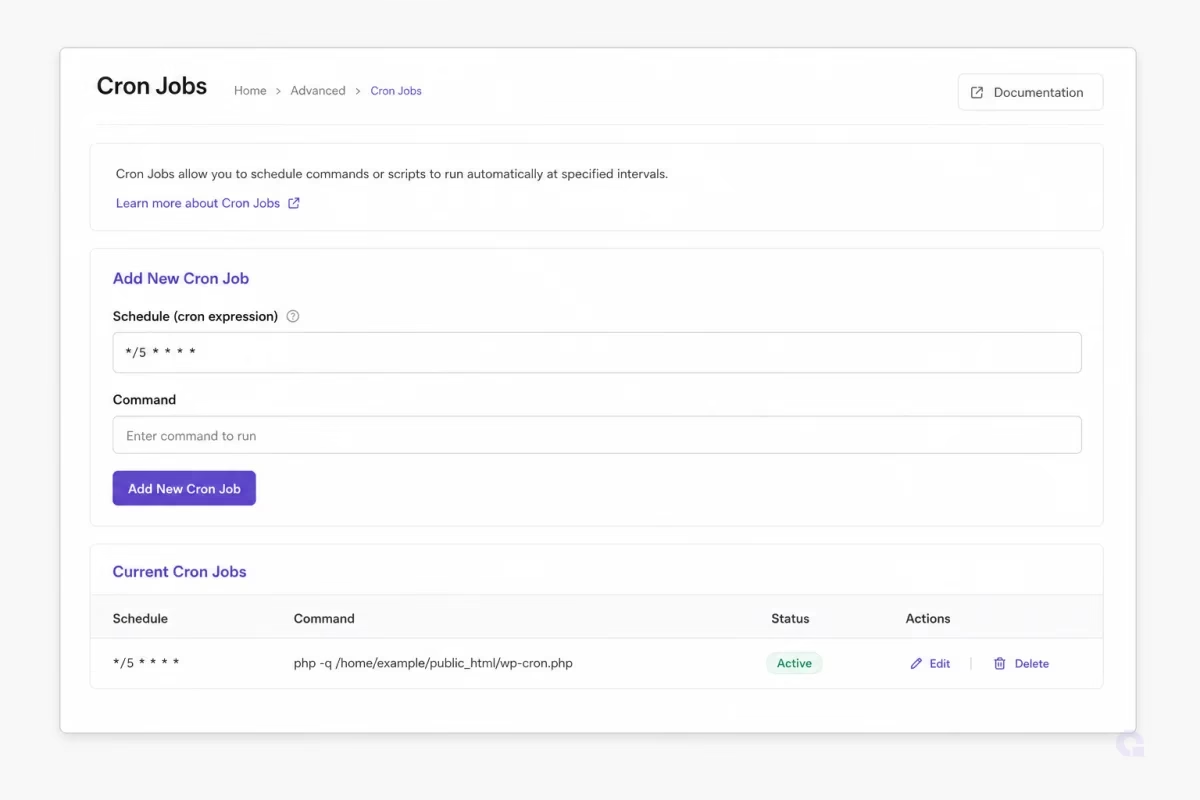
Now create a system-level cron job to trigger WordPress tasks at a regular interval, for example every 5 minutes. Most hosts let you manage cron jobs from cPanel, Plesk, or the command line over SSH. Here is the command to add:
*/5 * * * * wget -q -O - https://yourwebsite.com/wp-cron.php?doing_wp_cron >/dev/null 2>&1What each part does: */5 * * * * runs the job every 5 minutes, wget -q -O - quietly fetches the cron URL, and >/dev/null 2>&1 hides the output so your logs stay clean. You can adjust the timing, but every 5 minutes is usually perfect for WooCommerce.
Step 3: Test it
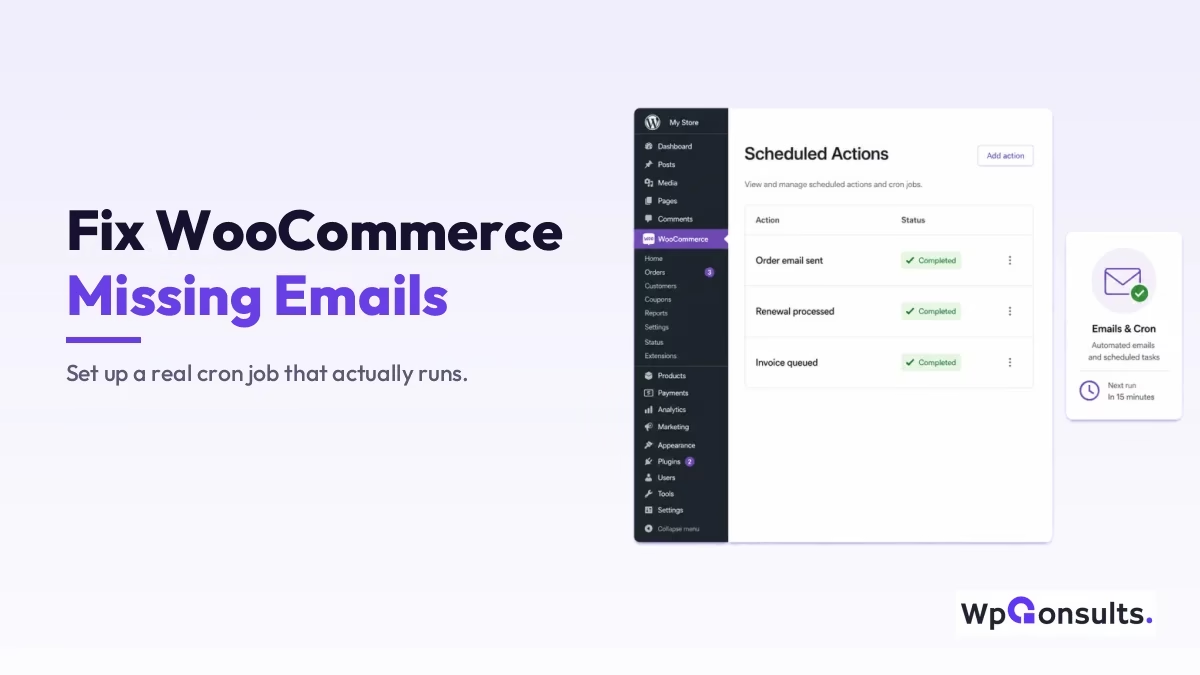
Once the cron job is in place, place a test order or manually trigger a renewal, check that the order emails arrive without delay, then open WooCommerce, Status, Scheduled Actions to confirm tasks are running on time. If you see actions marked “Completed” on a regular cadence, you are all set. While you are tightening up email delivery, it is also worth making sure your SMTP is configured properly, since cron and SMTP together decide whether your store emails actually land.
Bonus tip: monitor cron performance
Install WP Crontrol to view every scheduled task, run cron events manually, and spot stuck jobs before they cost you a sale.

It is a simple way to stay in control of what is happening behind the scenes, especially on a busy store where a single stalled job can hold up a batch of renewals.
Is a real cron job worth the setup?
Honestly, yes, this is one of the highest-return ten-minute jobs on a WooCommerce store. WP-Cron is fine for a busy site with steady traffic, but the moment your store is quiet overnight or sits behind full-page caching, you are gambling with order emails and renewals, and that is revenue. A real server cron removes the guesswork: tasks fire on schedule whether or not anyone is browsing.
It is a small change with a big reliability payoff, so once your store handles real orders, I would not leave it on default WP-Cron. Pair it with solid hosting and your store runs like clockwork: no missing emails, no delayed renewals, no failed scheduled actions.
Need help setting up cron jobs or hardening your store?
At WpConsults we handle WordPress speed, reliability, and automation fixes. Work with us or email me, and we will keep your WooCommerce store running flawlessly. Hosting matters here too, so it is worth running on fast, reliable WordPress hosting.
Update Logs
27 Jun 2026
- Refreshed for 2026 with a worked hosting-panel cron example, the WordPress cron reference, and a straight answer on whether a real cron job is worth it.
Want our posts to show up more often on Google?
One step & Google will surface this site in your Top Stories.